Chrono Warfare Controls & Lobby UI
Master camera, placement, and menus before Hard mode punishes slow hands.
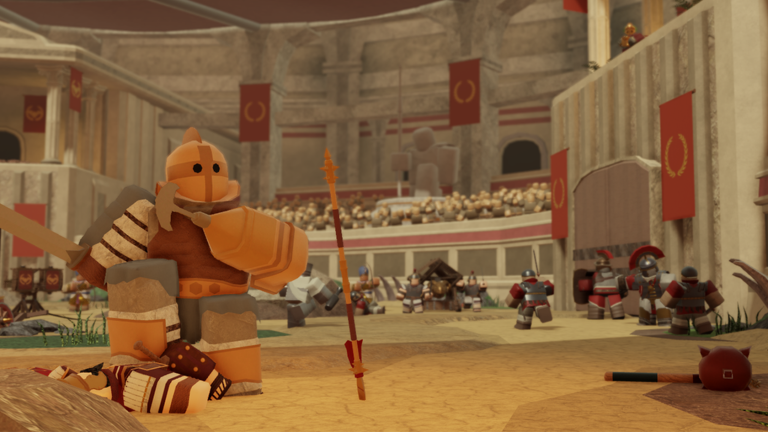
Chrono Warfare plays like a modern Roblox tower defense title: you spend most of a match looking down at a path, placing towers, and reacting between waves. This controls guide covers the inputs and lobby UI patterns you need before the prehistoric walkthrough or any Impossible attempt.
Core match actions
Select a tower from the hotbar or shop tray, then click or tap a valid plot along the path. Invalid tiles usually tint red. Upgrade by selecting an existing tower and pressing the upgrade button or key when you can afford the next tier. Sell refunds a portion of spend — useful when a wave type invalidates a bad placement, but do not sell your only early defender mid-leak.
Practice the loop on Prehistoric Normal: place → watch first bend → upgrade the tower that actually hits enemies → only then expand to a second angle. That habit is explained visually in tower placement.
Camera and movement
On PC, right-drag or standard Roblox camera orbits the map; scroll to zoom. Keep the entrance and the first chokepoint on screen during early waves. On mobile, pinch zoom and two-finger pan. If UI buttons cover the path, switch to landscape and hide chat.
You can walk your avatar around the map in many BoringGames lobbies, but during defense your attention should stay on range circles, not parkour. Move only to inspect a blind corner before placing.
Lobby navigation worth learning
Expect icons for era select, inventory/towers, settings, and possibly Codes near the shop cluster. Full redeem steps live on how to redeem codes. Settings usually hold music, graphics, and sometimes keybind reminders — lower graphics if wave late-game stutters on Colosseum-scale spam.
Party or invite flows matter for duo Impossible attempts covered in how to beat Impossible. Confirm both players finished loading before ready-up so tower restriction missions (if any return from EE-like design) do not soft-fail.
PC keyboard habits
While exact binds can shift during the unfinished launch, TD players should memorize:
- Number keys for hotbar towers
- Click-to-place and Esc to cancel ghost placement
- A dedicated upgrade confirm when available
- Camera reset if you lose the path
If a patch remaps keys, re-check the in-game settings panel the same day — then update your muscle memory before ranking Impossible.
Mobile-specific tips
- Use a stable Wi-Fi connection; placement desync feels like “ghost towers.”
- Bind your thumb so the place button is not under the joystick.
- Avoid selling during heavy particle waves — mis-taps are common.
- After a triumph, screenshot rewards before closing the results panel.
Practice drill (10 minutes)
- Enter a private or quiet Prehistoric Normal lobby if available.
- Place one tower at the opening choke, cancel a misclick, replace correctly.
- Upgrade twice without losing track of the next spawn entrance.
- Sell a redundant tower and replace it on a better angle.
- Open and close the shop without accidentally starting another purchase.
Finish the drill, then run a real clear using Getting Started pacing.
Accessibility and performance
Lower particle quality if bosses strobe the screen. Enable subtitles or louder SFX if audio cues telegraph leaks. Colorblind players should rely on range meshes and path edges, not only enemy tint — especially in Ancient Egypt lighting.
Related pages
Continue to era progression, keep codes bookmarked, and review official links whenever BoringGames posts a control or UI hotfix.
Practical checklist for Chrono Warfare Controls Guide
- Re-read the sections above after every update.
- Cross-check spending with best towers and the credit calculator.
- Track triumphs on the era checklist.
- Prefer official news via official links.
- Use Getting Started and tower placement when fundamentals slip.
Launch-window reminders
Chrono Warfare is unfinished. Prehistoric Times and Ancient Civilizations are the live eras. Evolution Evade progress does not transfer. Codes may be empty — see codes. Pack Hunter and Colosseum/Egypt clears are high-traffic topics covered in linked guides under guides.
Account safety
Skip phishing “free unlock” sites and treat scripts as high risk. Skill, placement, and planned farming remain the reliable path through Impossible and into later eras described in era progression.
Frequently Asked Questions
Quick answers to the most common questions.
Can I play Chrono Warfare on mobile?
Yes. Use landscape mode, pinch zoom, and place carefully to avoid mis-taps during upgrades.
How do I cancel a tower placement?
Press Esc on PC or tap outside / use the cancel control on mobile before confirming the plot.
Where are code redemption controls?
Usually in the lobby menu near Settings. Full steps are on the How to Redeem page.
Why does placement feel delayed?
Server lag or low FPS. Lower graphics and avoid placing during massive particle bursts.